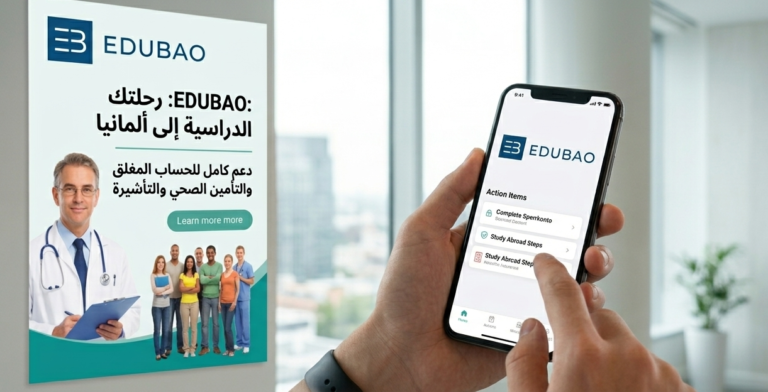

There are many important procedures that every newcomer to Germany must take, perhaps the most important of which is Activate the blocked Fintiba account to receive monthly financial payments, as well as activate the health insurance subscription.
In this detailed guide, you will learn How to activate the Fintiba blocked account and health insuranceي Easily, and that is through the detailed steps that I will explain in this article accompanied by illustrative pictures.
Steps to activate the blocked Fintiba account
How to change the mobile number
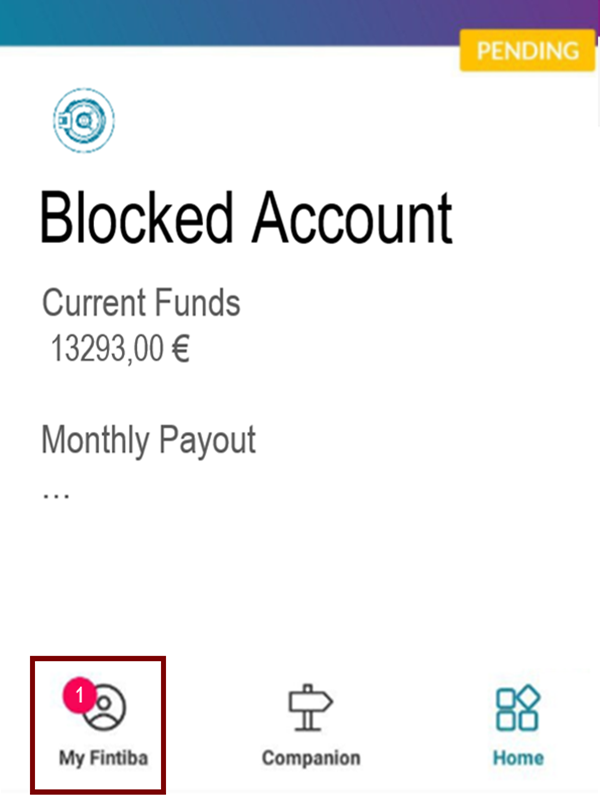
After getting a German mobile number, we log into our account on Ventiba. The main interface appears, so we click on the section indicated in the image.
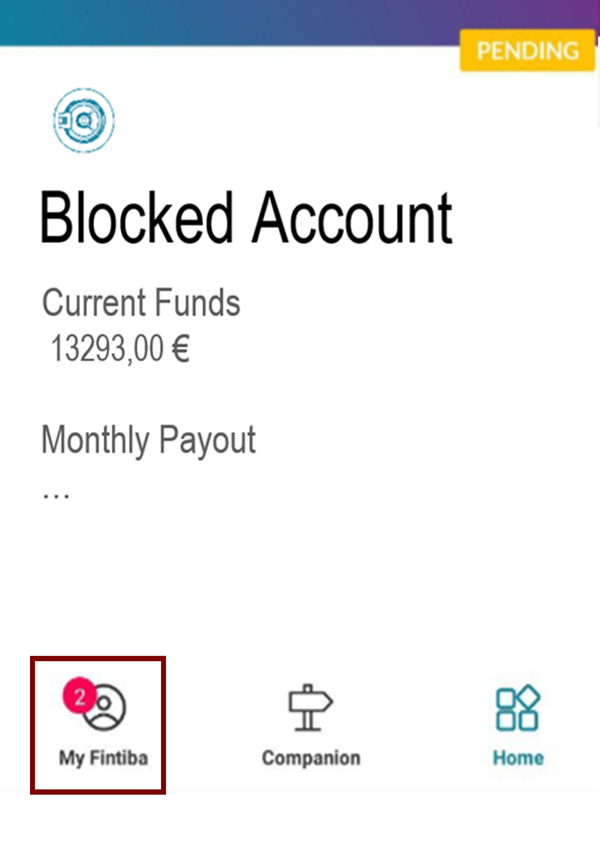
After that, the following window appears as shown in the image, and we select the section indicated in maroon.
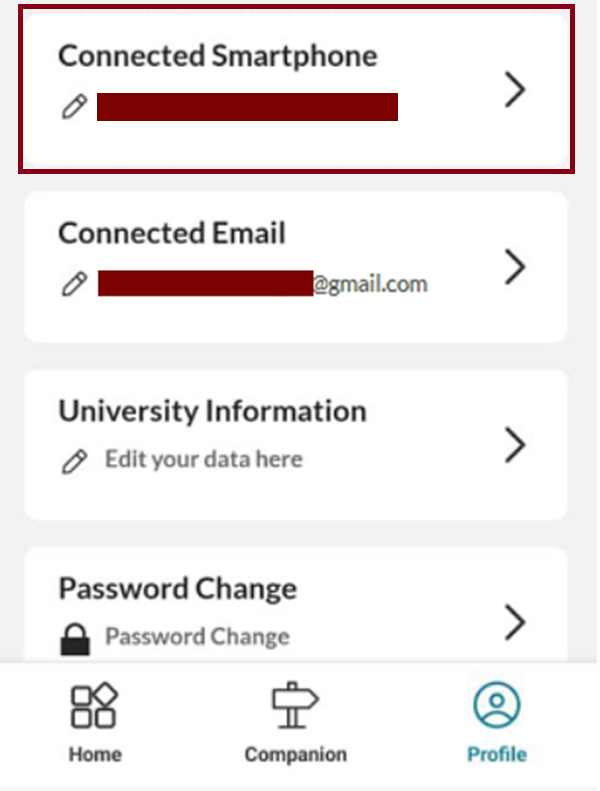
Then the following questions appear, so we answer them and write our old number in the designated field at the bottom.
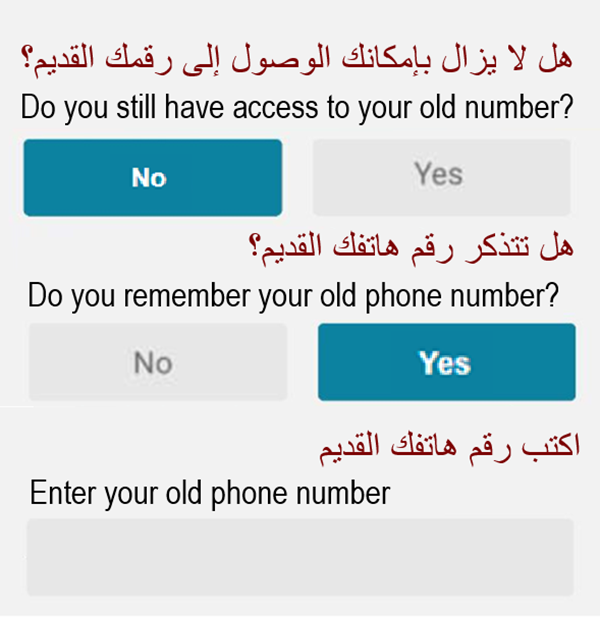
Then we are asked to enter the new German mobile number, so we enter it with the German country code, Deutsche Vorwahl, which is 0049. After that, the verification code arrives, and we enter it in the designated field.

Add visa date
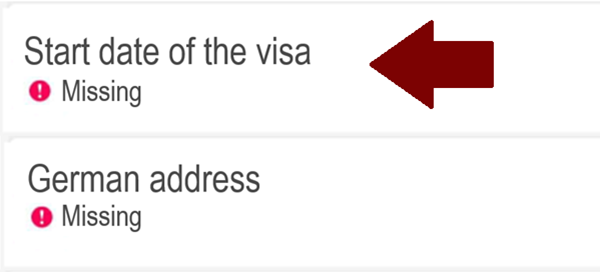
Regarding the entry of the visa start date, First, we click on the section indicated in the image.
Then, we click on the Start date of the Visa option.
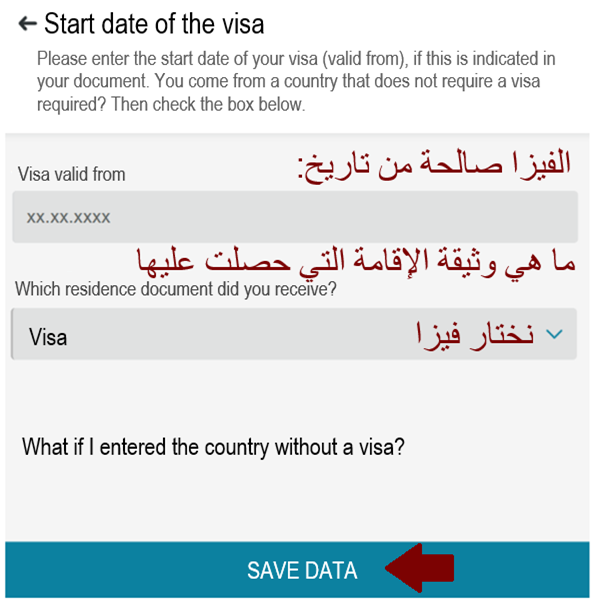
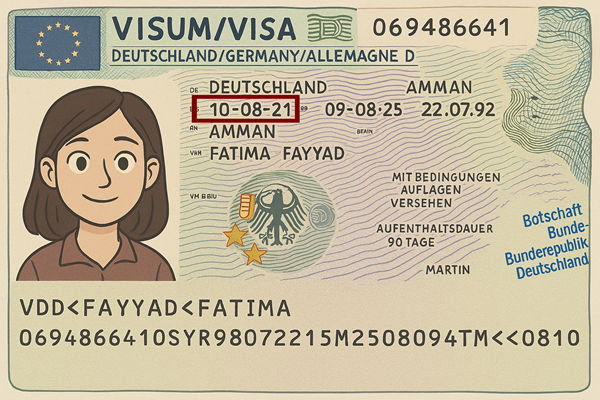
The following page appears, and we fill in the data. You can find the visa start date on the visa printed on the passport, as shown in the image. As for the question regarding the residency document, we choose Visa, and then select Save Data at the bottom.
Adding a residential address in Germany
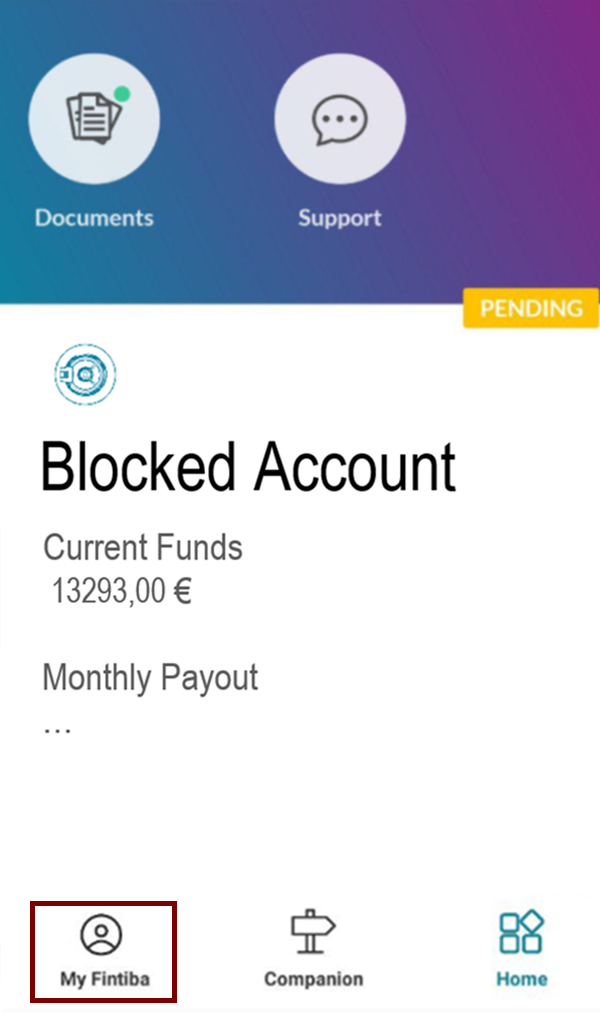
There is no need to beat around the bush to enter the residential address, as we can use the address of the person we are staying with. We click on the section indicated in maroon in the image.
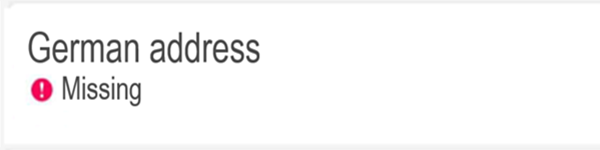
Click on German Address to enter the data.
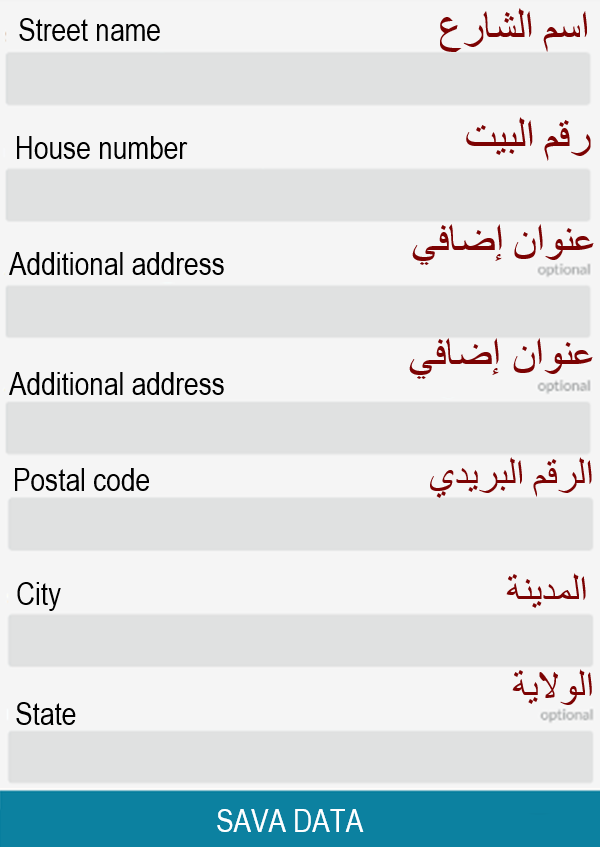
We then move to the next window and fill in the address details. We can leave the optional fields blank.
Upload the German visa photo to the blocked Fintiba account
Then Ventipa asks us to upload a picture of our visa, as shown in the image, so we click on Continue. We can take a picture of our visa using the CamScanner app.
Read Article on how to use CamScanner to scan documents professionally.]
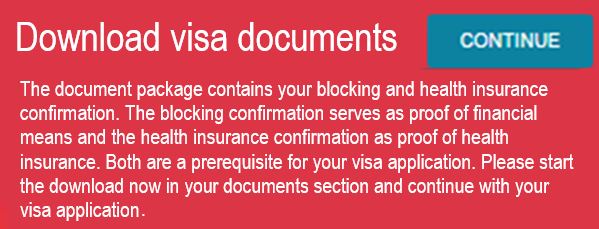
Then the following option, Visa Upload, appears, and we click on it.

Click on the section indicated in the image to upload the visa image, then select Upload.
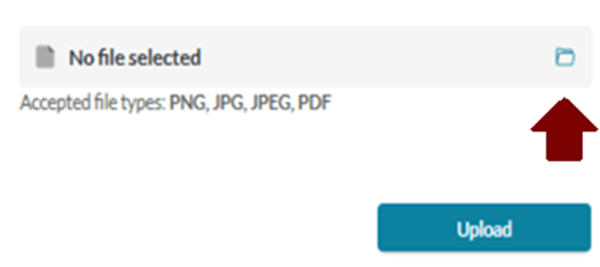
Then this notification appears, stating that the visa photo is under review. We wait until the process is successfully completed, and then we move on to the next paragraph.

How does the video call work to activate a Fintiba blocked account? Important tips
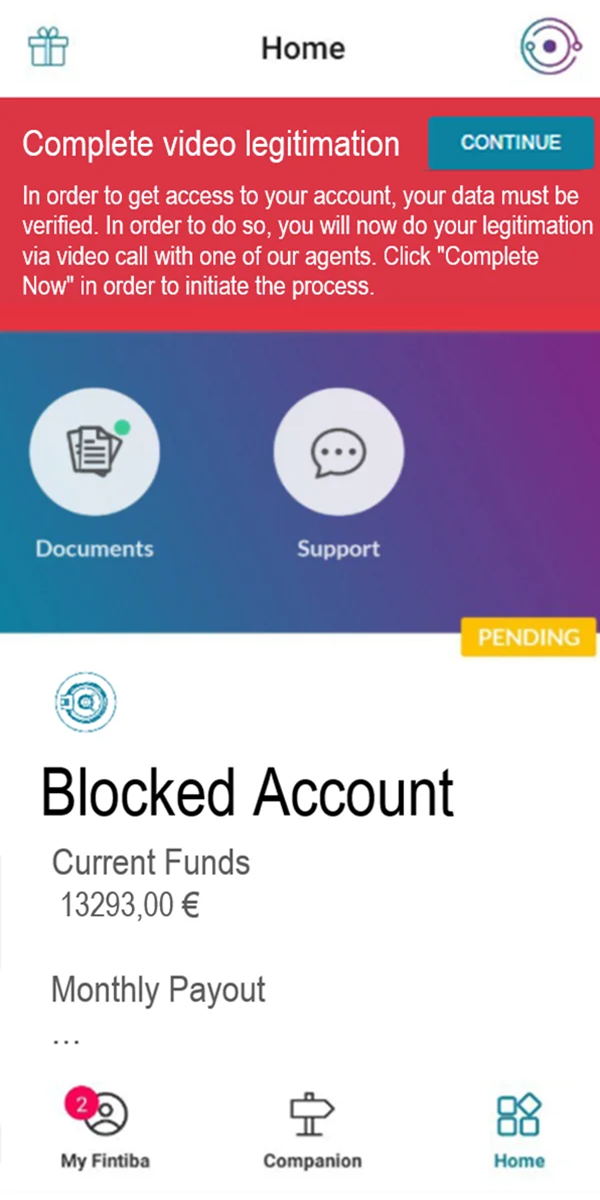
Following the successful verification of the photo we uploaded for our visa, a notification appears regarding the necessity of conducting a video call. The video call is a routine procedure conducted in order to verify the identity of the account holder. We click on "Continue" as shown in the image, and an employee will respond to you to answer their questions.
Our passport should be next to us during the identity verification call, as we may be asked to show it to confirm the accuracy of the registered data. The agent may also ask some questions related to the account, and there is no need to be nervous here, as they are routine questions. If the call is unsuccessful, we can retry several times. However, we may sometimes need to keep trying throughout the day. Therefore, we advise being patient until the verification is successfully completed.
I would like to point out that this might not be easy given the difficulty of using the German language for a newcomer, so it is best to ask the employee if the conversation can be conducted in English. It is preferable to have someone accompany us in the room who is fluent in either German or English, to help us if we cannot understand a question or a procedure.
Conclusion
After completing the previous steps in this article, we have accomplished the most important part of activating the Fintiba account to receive monthly financial payments. A few steps remain to complete the activation of the blocked bank account and health insurance. However, these remaining steps must be carried out after opening a current bank account, so that we can then link the Fintiba blocked account to the current account and receive the allocated monthly financial amount.
So now we should open the current bank account. We will have many options, some of which I will mention:
- The first option is to open a current account with Revolut. This option is popular initially because it does not require residency registration (Anmeldung), and it is well known that the registration process in Germany often takes a long time and varies from one foreigners' office to another.
[Read Comprehensive Guide on How to Open a Revolut Current Account in Germany]. - As for the second option, it is a bank Sparda Bank Berlin, we can open a current account in this bank after completing the registration process and obtaining the tax number. This bank is one of the best options for opening a current bank account, as it offers many advantages, including a 150-euro welcome cash bonus (Begrüßungsgeld), requires no account opening fees and no monthly fees, in addition to many other benefits.
[Open the current bank account at Sparda Bank Berlin via the article and get a 150 euro welcome bonus]
So, in short, for what we are going to do: first, we will open a current bank account with Revolut considering that it does not require residency. Later, after doing the residency, it is better to open the current bank account with Sparda Bank Berlin To benefit from the many good advantages it offers. Do not forget us in your sincere prayers, and our final prayer is that praise be to God, Lord of the Worlds.